Inviting your team and choosing their roles
Give everyone at your clinic their own sign-in, and a role that decides what they can see and do, from booking patients to reading results.
1 min read
Step-by-step resources for clinics and practitioners covering testing workflows, clinic setup and using Doxtor effectively.
Getting a clinic ready to arrange blood tests with Doxtor.
Give everyone at your clinic their own sign-in, and a role that decides what they can see and do, from booking patients to reading results.
1 min read
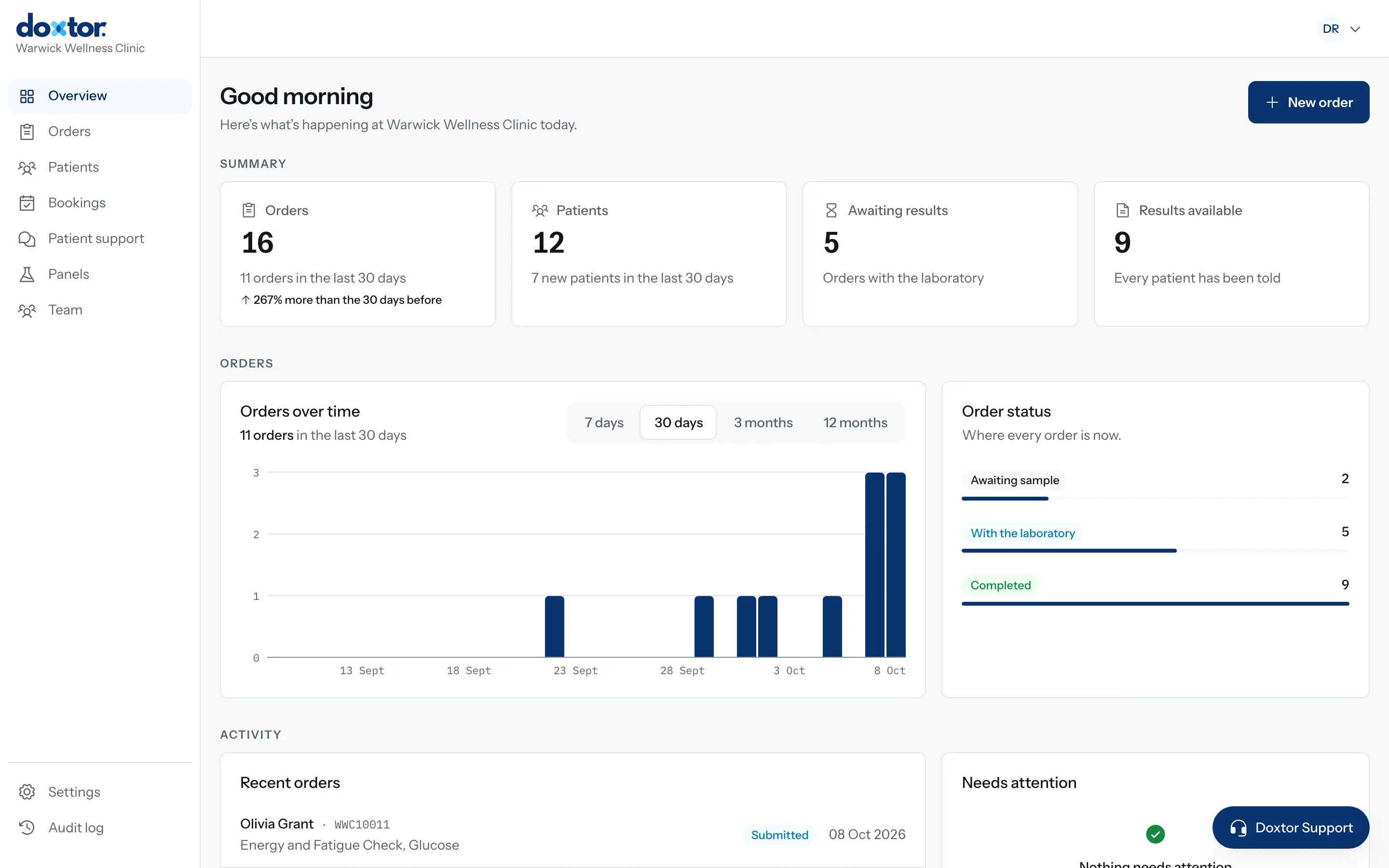
What happens between joining Doxtor and placing your first order: the invitation, the setup guide and the settings worth checking first.
1 min read
Patient records, contact details and access.
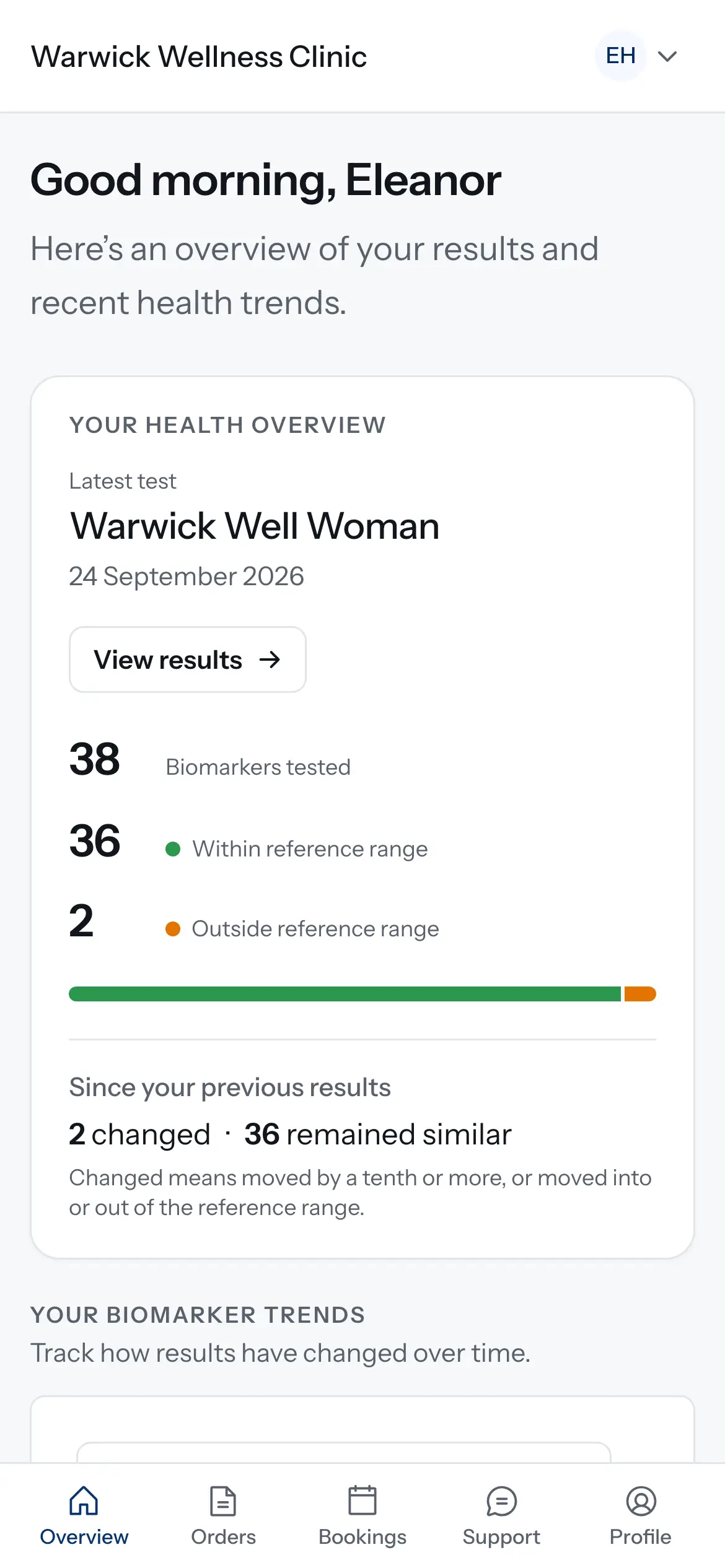
Invite a patient, or a parent or carer, to your clinic's patient portal, decide whether they can book tests, and take access away when it should end.
1 min read
Collecting, labelling and sending samples.
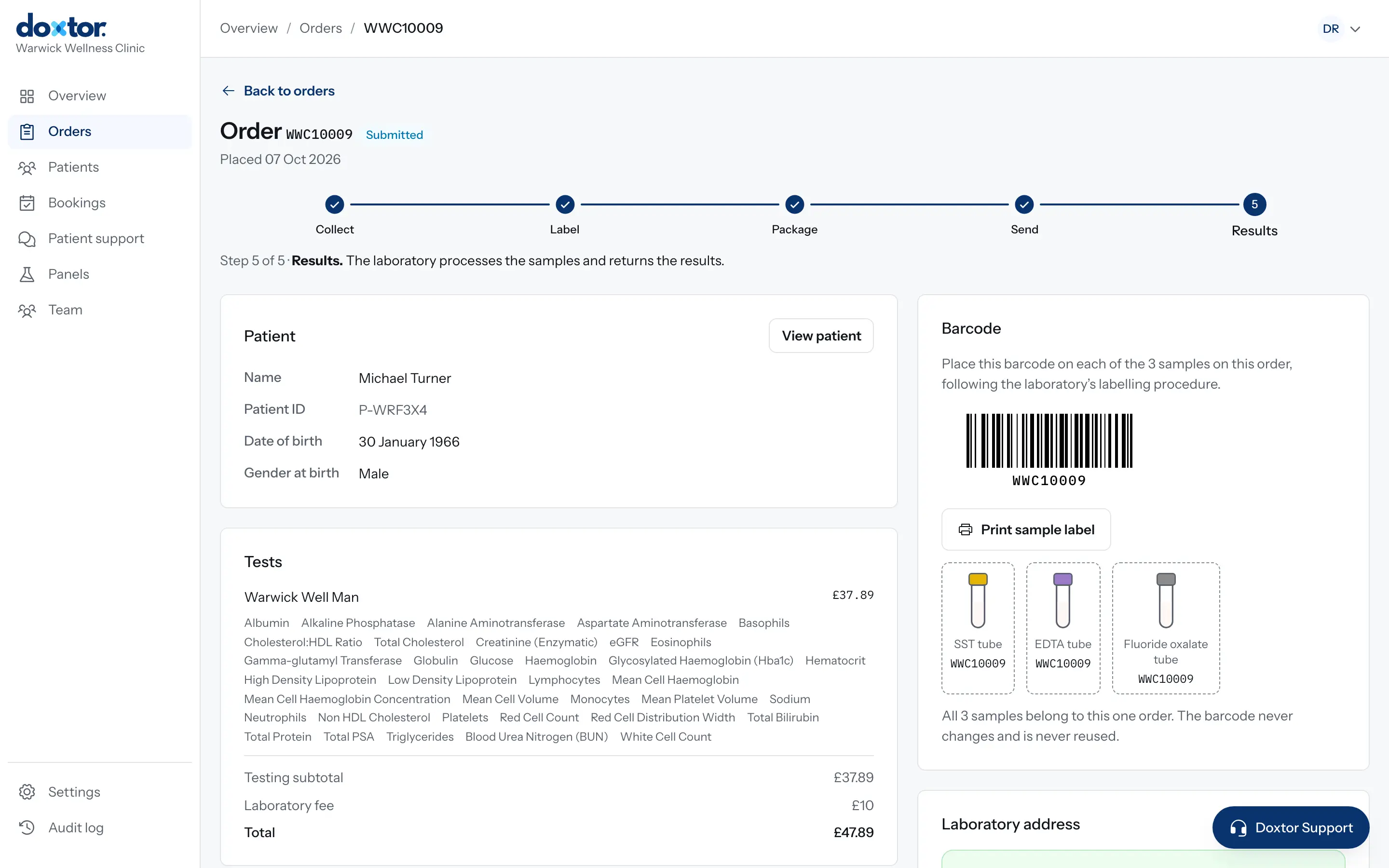
What to do after collection: label every sample with the order's barcode, package them as the laboratory asks, mark them as sent, and follow them to the laboratory.
1 min read
Reading results and reports.
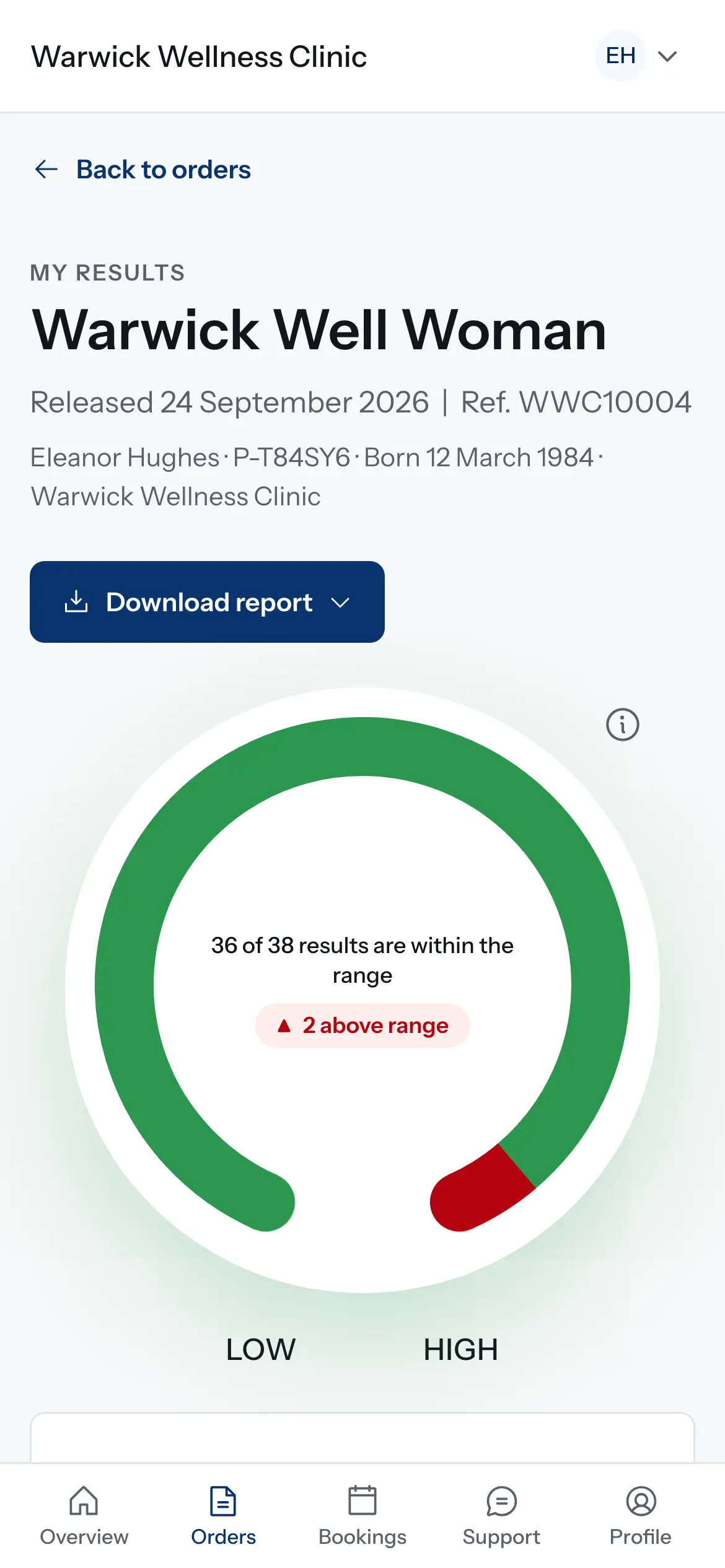
What happens when the laboratory reports: results on the order, the patient told, a secure link or the patient portal, and what changes for critical results and corrections.
1 min read
Doing everyday tasks in the Doxtor console.
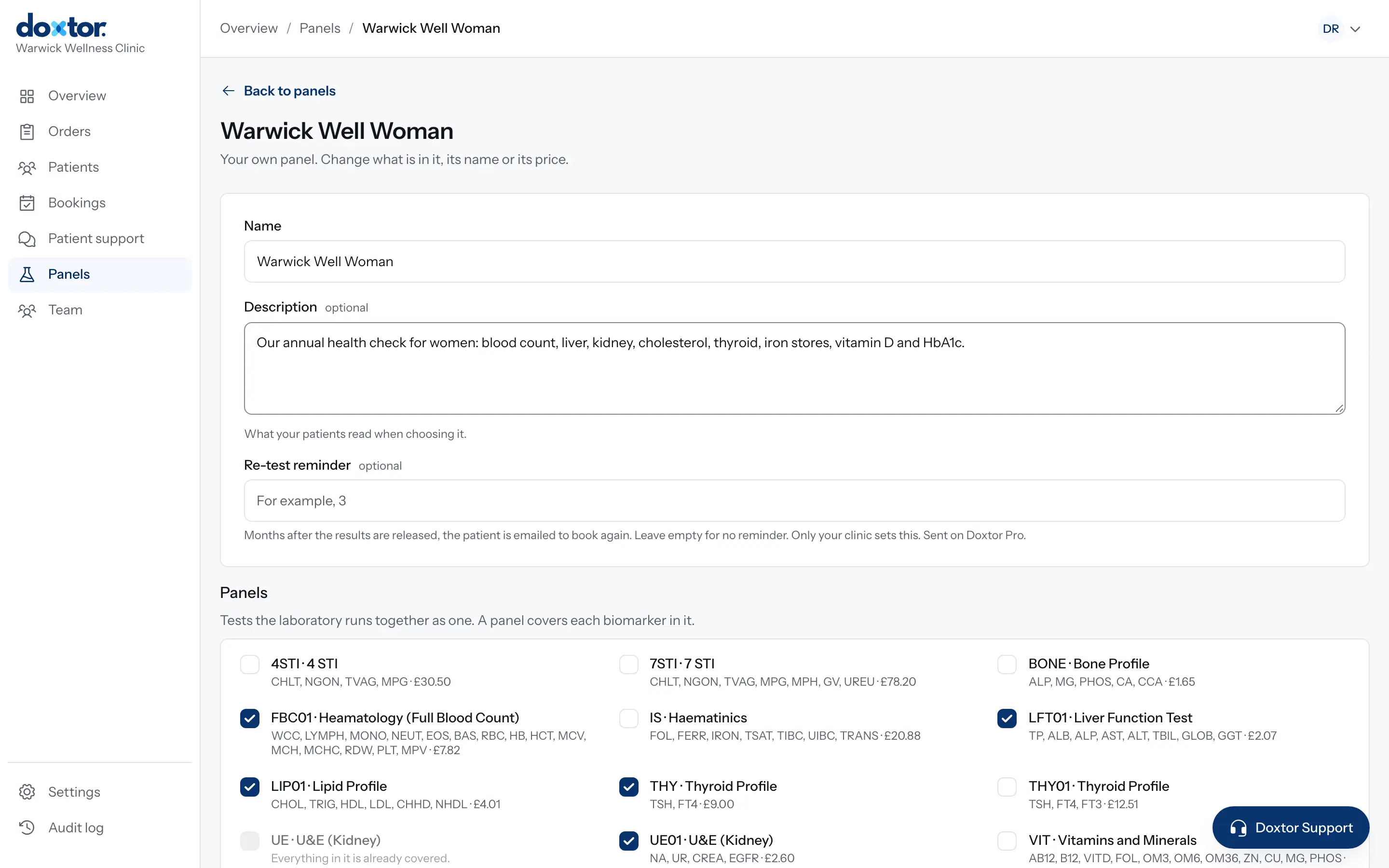
Put the tests your clinic offers together once, as named panels with a description for patients, and order them in one click from then on.
1 min read
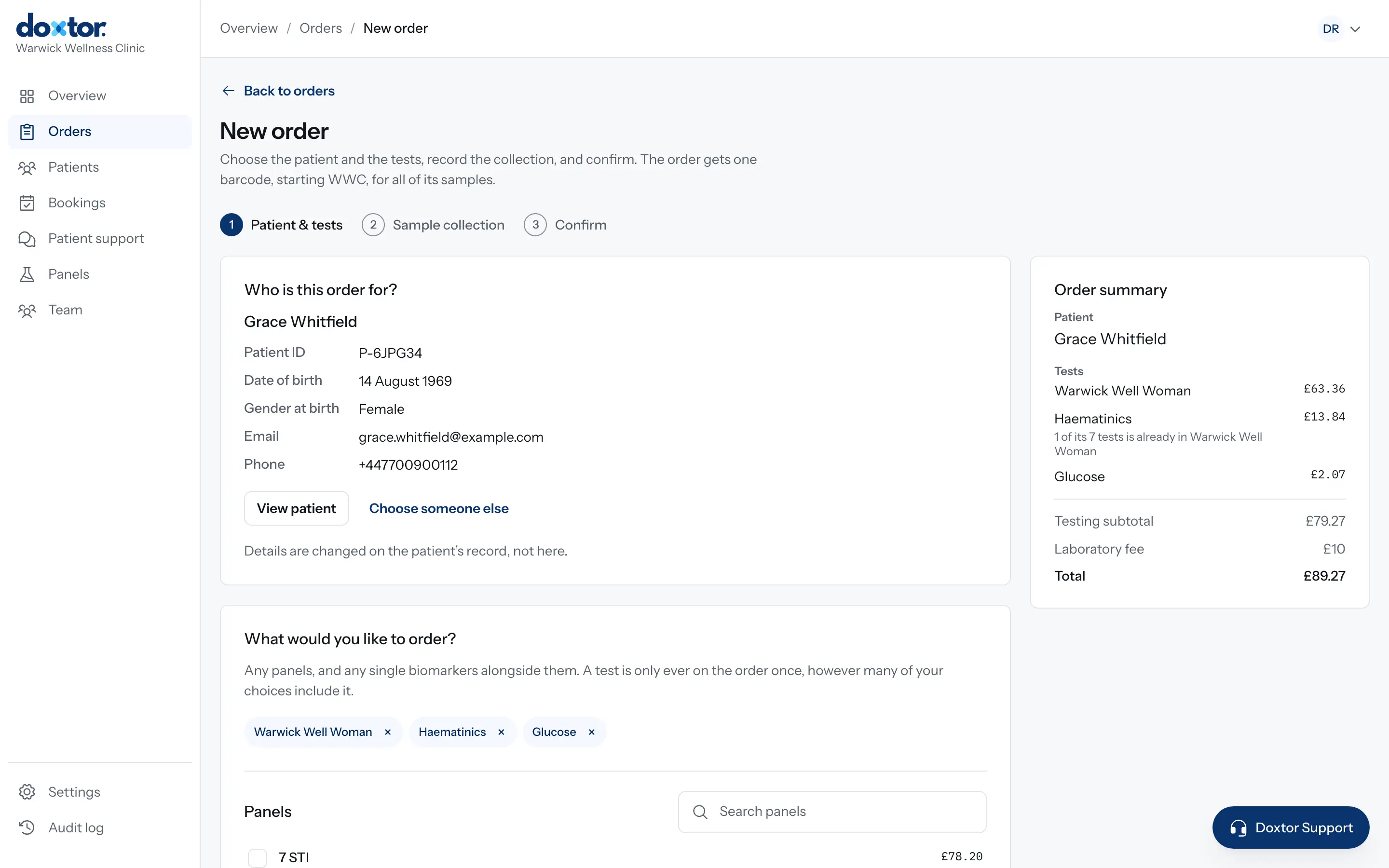
From choosing the patient and tests to labelling the samples and sending them to the laboratory: every step of an order in the Doxtor console.
2 min read
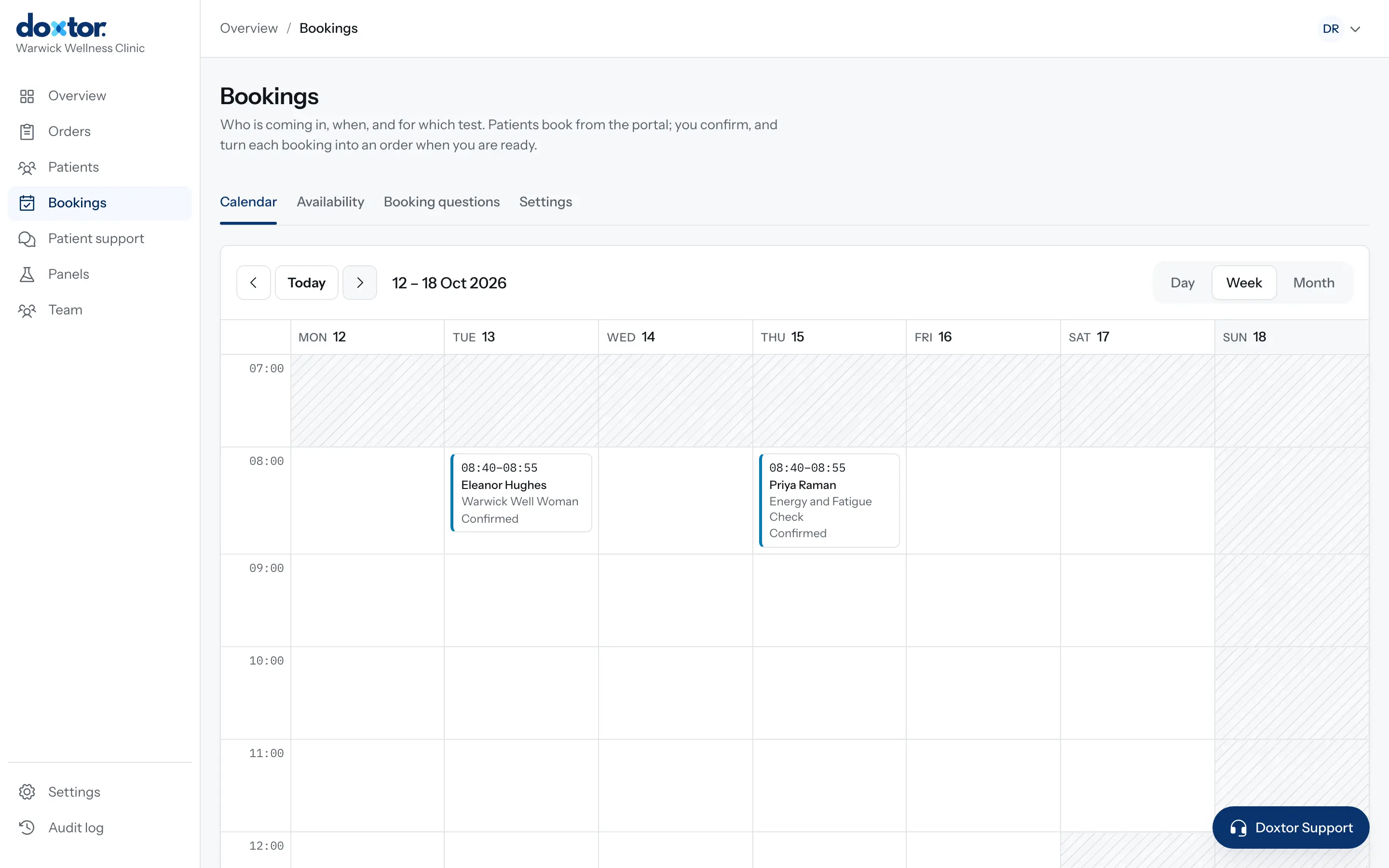
Let patients request appointments from the patient portal: set your opening hours and capacity, add your own questions, then confirm requests and turn them into orders.
1 min read
Bring orders, samples, laboratory results and patient reporting into one workflow.