Guide · Understanding results
How results reach your patients
What happens when the laboratory reports: results on the order, the patient told, a secure link or the patient portal, and what changes for critical results and corrections.
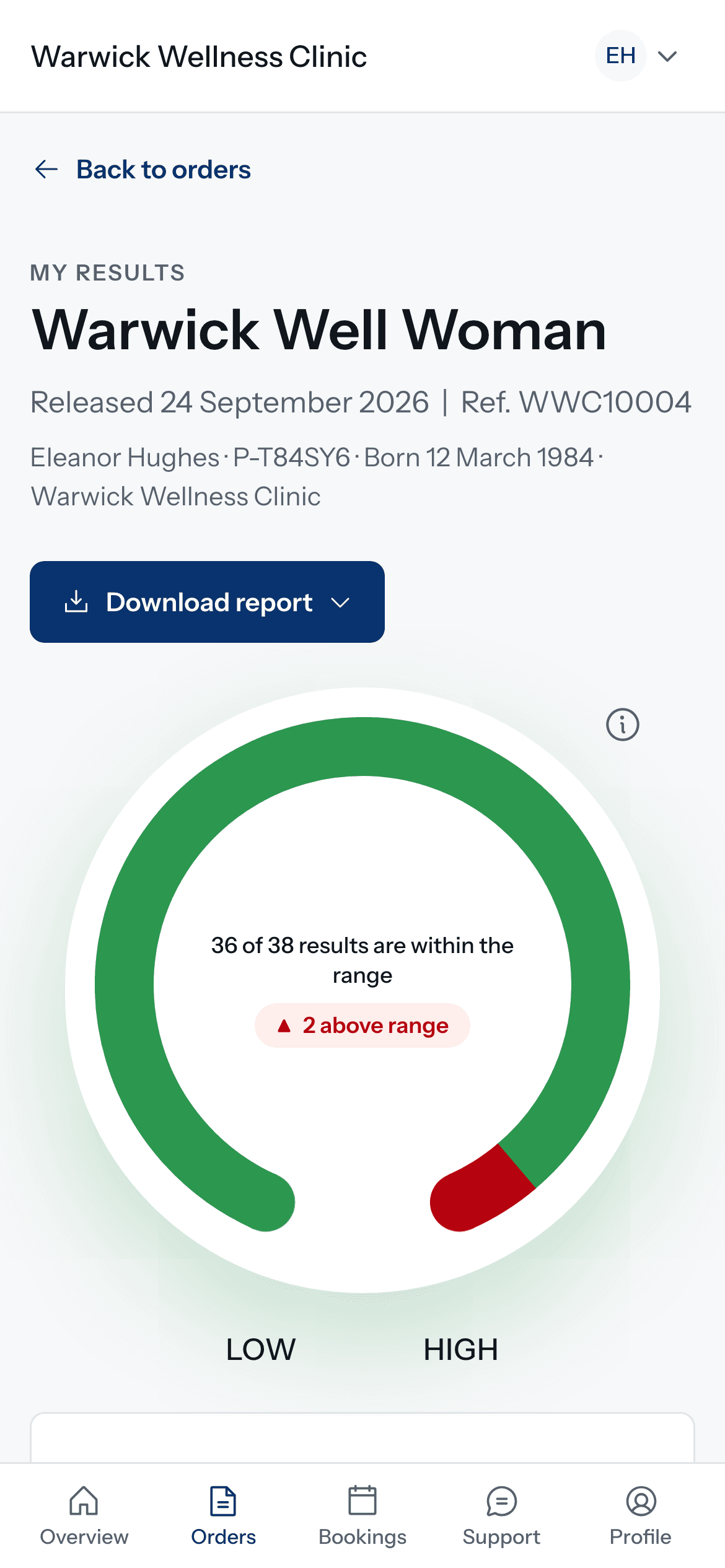
When the laboratory reports, Doxtor takes the results the rest of the way: onto the order, into the patient’s record and to the patient.
Results arrive on the order
Each biomarker arrives with its result, unit, reference range and the laboratory’s flag, and is compared with the patient’s previous result for the same biomarker. Your team sees what is outside the range at a glance.
The report is released as the laboratory sent it
Doxtor releases the laboratory’s report as it was sent, and does not hold it back. A report becomes the document your patient reads and downloads, and the same PDF your clinic keeps.
The patient is told
The patient is told their results are ready, by email or text message. The message names your clinic and says nothing about the tests or the results. It links to the results, and the link asks for the date of birth of the person the test was for before showing anything.
On Doxtor Pro, patients with a portal account are told by email and see the report in your clinic’s patient portal, alongside their results over time.
Critical results
When the laboratory reports a critical result, your team is emailed, and the result stays at the top of the clinic console until someone marks it as seen, with reminders if nobody has. Your clinic then contacts the patient as its own procedures require.
Corrections
If the laboratory corrects a result, the correction is applied as sent. The report is updated as a new version, earlier versions are kept, and the patient is told it has changed.
Questions from patients
Patients with questions about their results contact your clinic. On Doxtor Pro, they can write to you from the patient portal.
Related resources
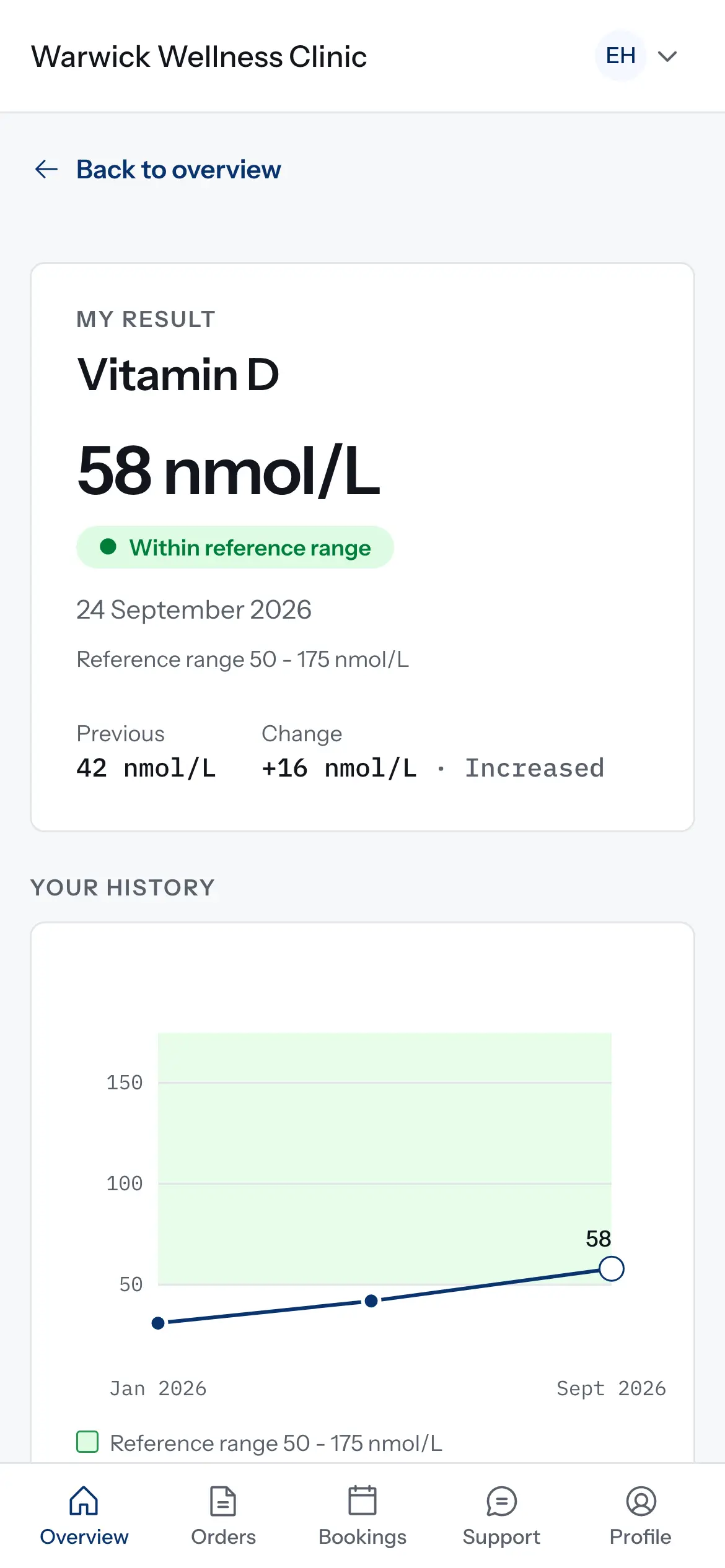
How results are compared over time
How the patient portal decides what counts as a change between two results, and why some results are shown but not charted. Educational information, not clinical advice.
1 min read
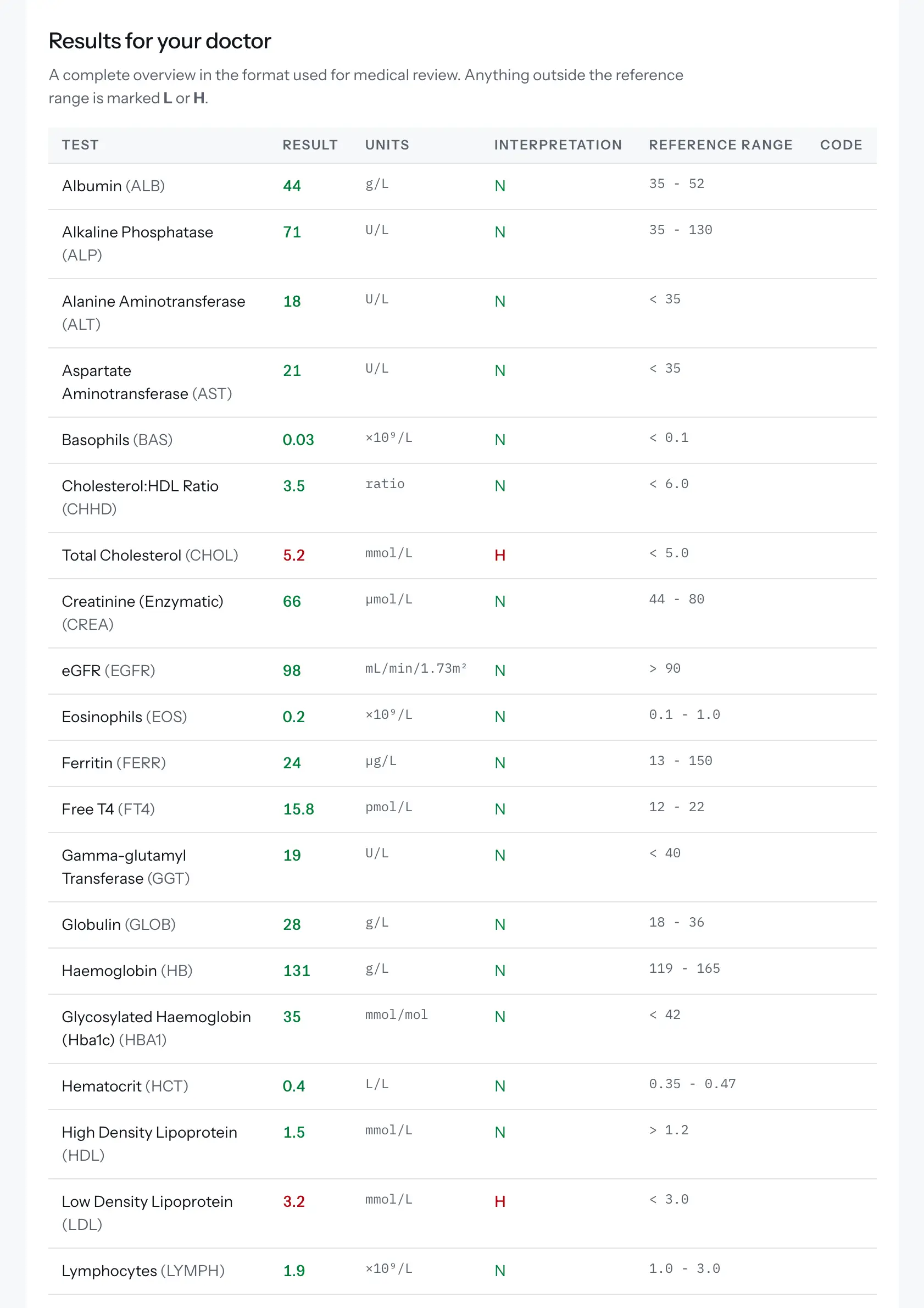
Reading a blood test report
The terms used in a blood test report, what a reference range is, and how a Doxtor report is laid out. Educational information, not clinical advice.
2 min read
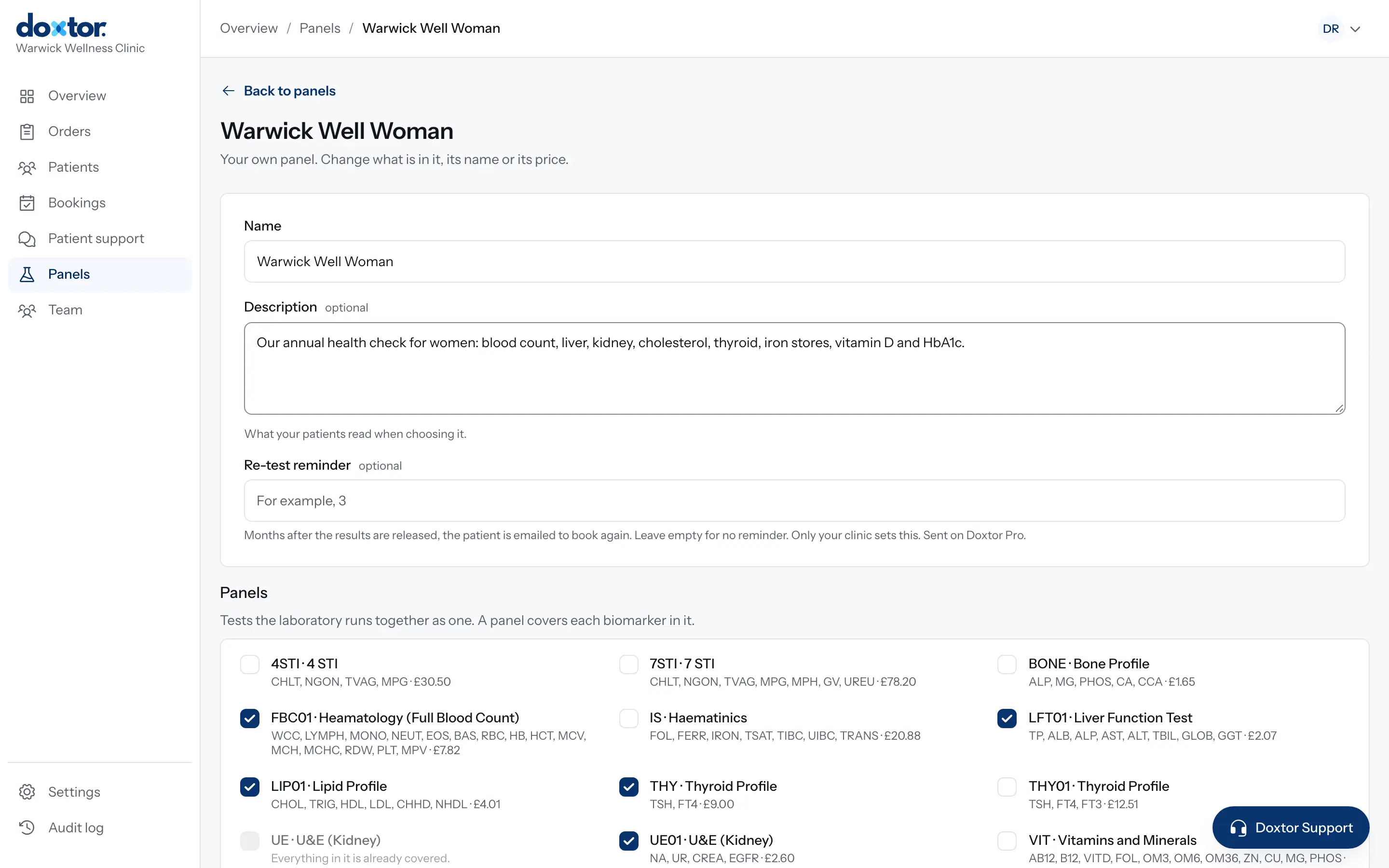
Building your own panels
Put the tests your clinic offers together once, as named panels with a description for patients, and order them in one click from then on.
1 min read