Guide · Using Doxtor
Placing your first order in Doxtor
From choosing the patient and tests to labelling the samples and sending them to the laboratory: every step of an order in the Doxtor console.
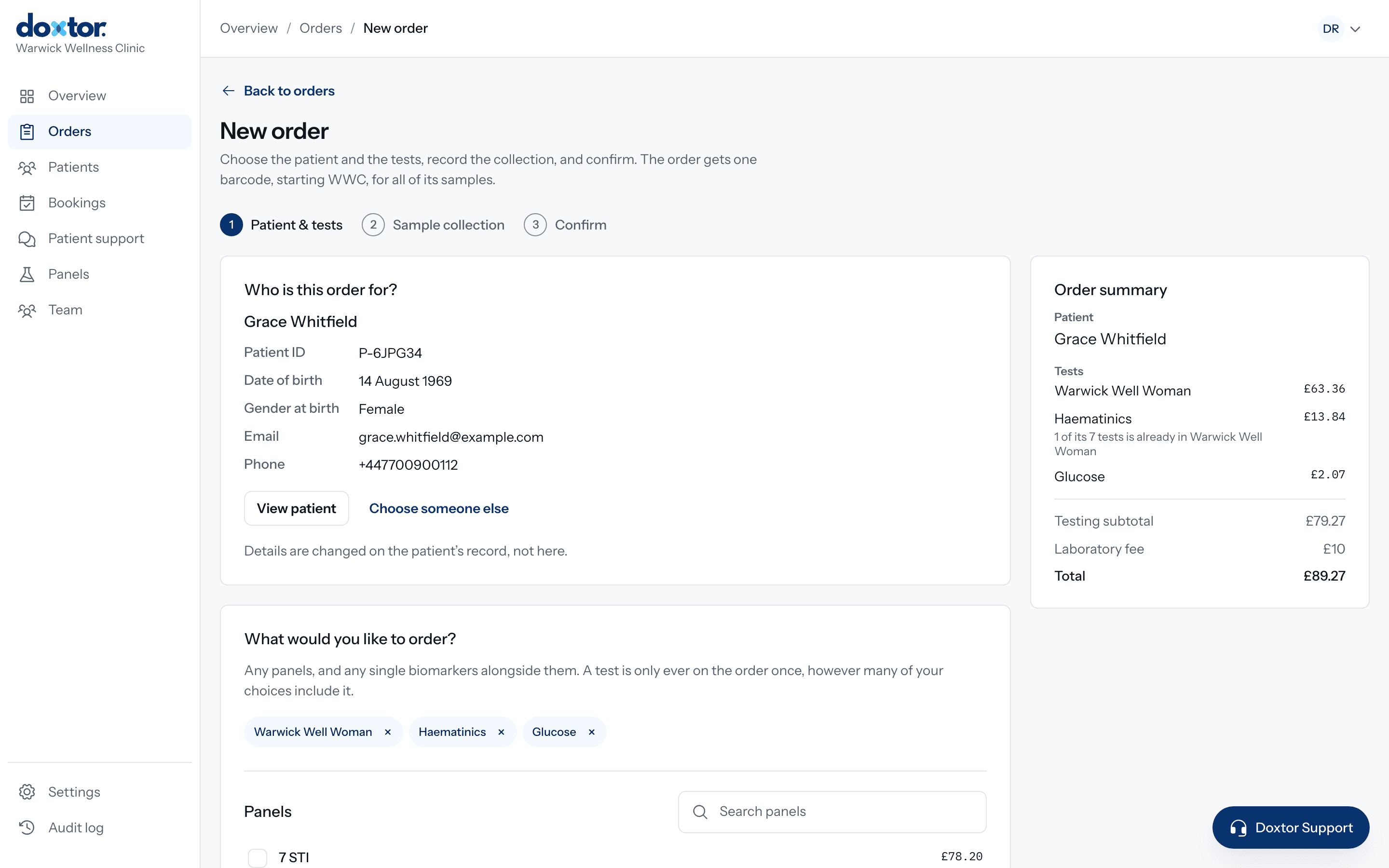
An order in Doxtor is one request for tests for one patient, from the moment it is created to the moment results are released. This guide follows a single order through the console.
Before you start
You need a team member account at your clinic with permission to place orders. If the patient is new to your clinic, you can add them during the order, so there is nothing to set up first.
Step 1: Patient and tests
Open Orders and choose New order. The first step is Patient & tests.
- Choose the patient. Search by name, or add a new patient without leaving the order.
- Choose the tests. Pick from your clinic’s own panels, the laboratory’s panels, biomarker groups or single biomarkers. When one choice already includes a test from another, Doxtor removes the overlap, so nothing is ordered twice.
- Check the price. The order summary shows each test, the laboratory fee and the total as you choose.
Choose Continue when the tests are right.
Step 2: Sample collection
The second step shows your sample requirements: one row for each tube or container the tests need, how many to collect, and which tests each one is for. Collection instructions and videos appear where the laboratory has provided them. How sample requirements are worked out explains what each row means.
Then record when the samples were collected. If the patient is not with you yet, choose Save & collect later, and record the collection from the order when it happens.
Step 3: Confirm
Check the patient, tests and samples, then choose Confirm & place order. Doxtor issues the order’s barcode and sends the order to the laboratory electronically.
After placing the order
The order now shows five stages: Collect, Label, Package, Send and Results.
- Label. Print the sample label. Every sample on the order carries the same barcode, so each tube belongs plainly to this order.
- Package. Package the samples as the laboratory asks. Its address and packaging instructions are on the order.
- Send. Send the samples and choose Mark as dispatched. If collected samples have not been marked as sent, the team members who handle samples are reminded.
- Results. The order shows when the laboratory receives the samples, and the results arrive on the order when the laboratory reports them.
Released results reach the patient by a secure link, or through the patient portal on Doxtor Pro. See how Doxtor works for the whole journey.
Related resources
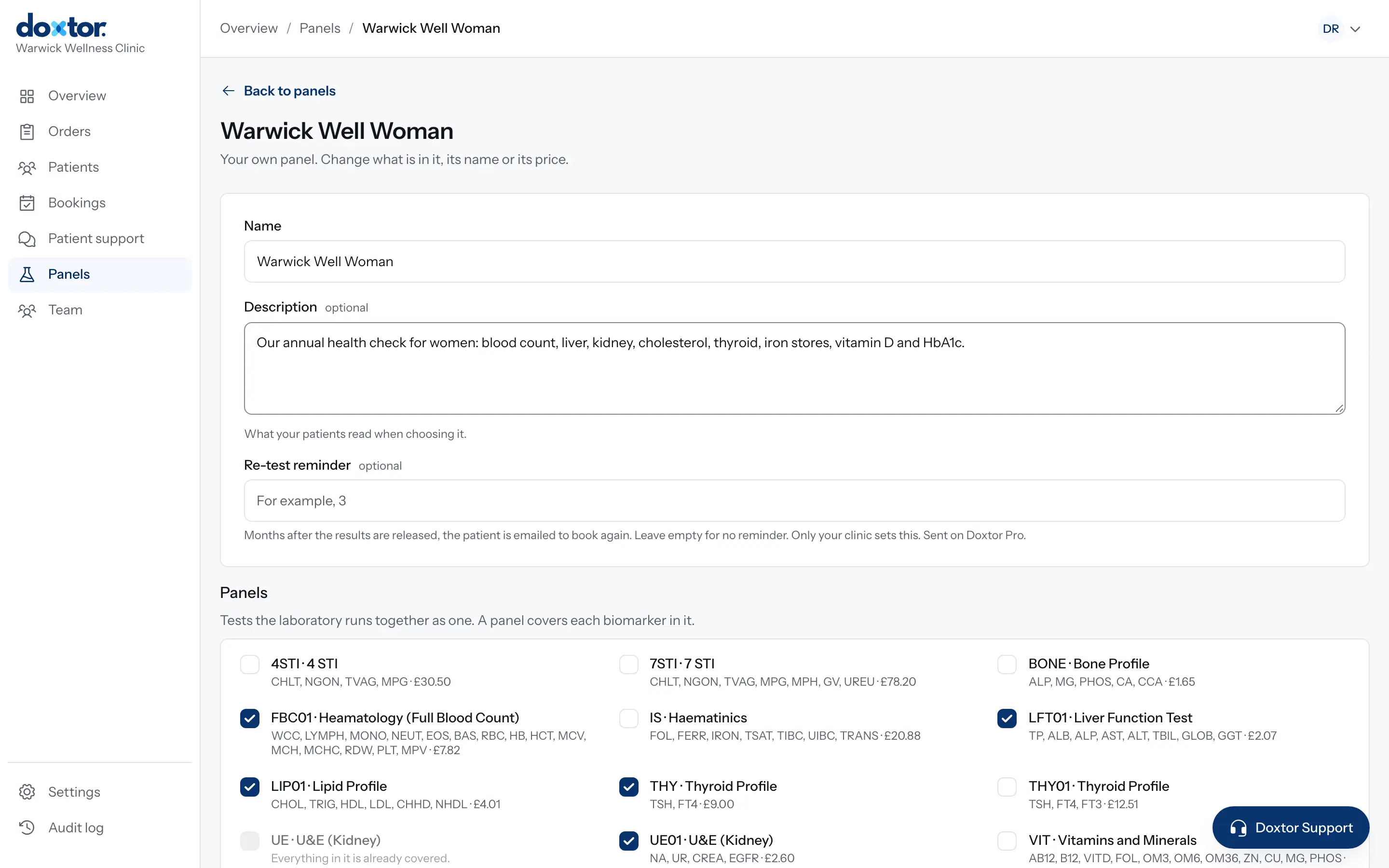
Building your own panels
Put the tests your clinic offers together once, as named panels with a description for patients, and order them in one click from then on.
1 min read
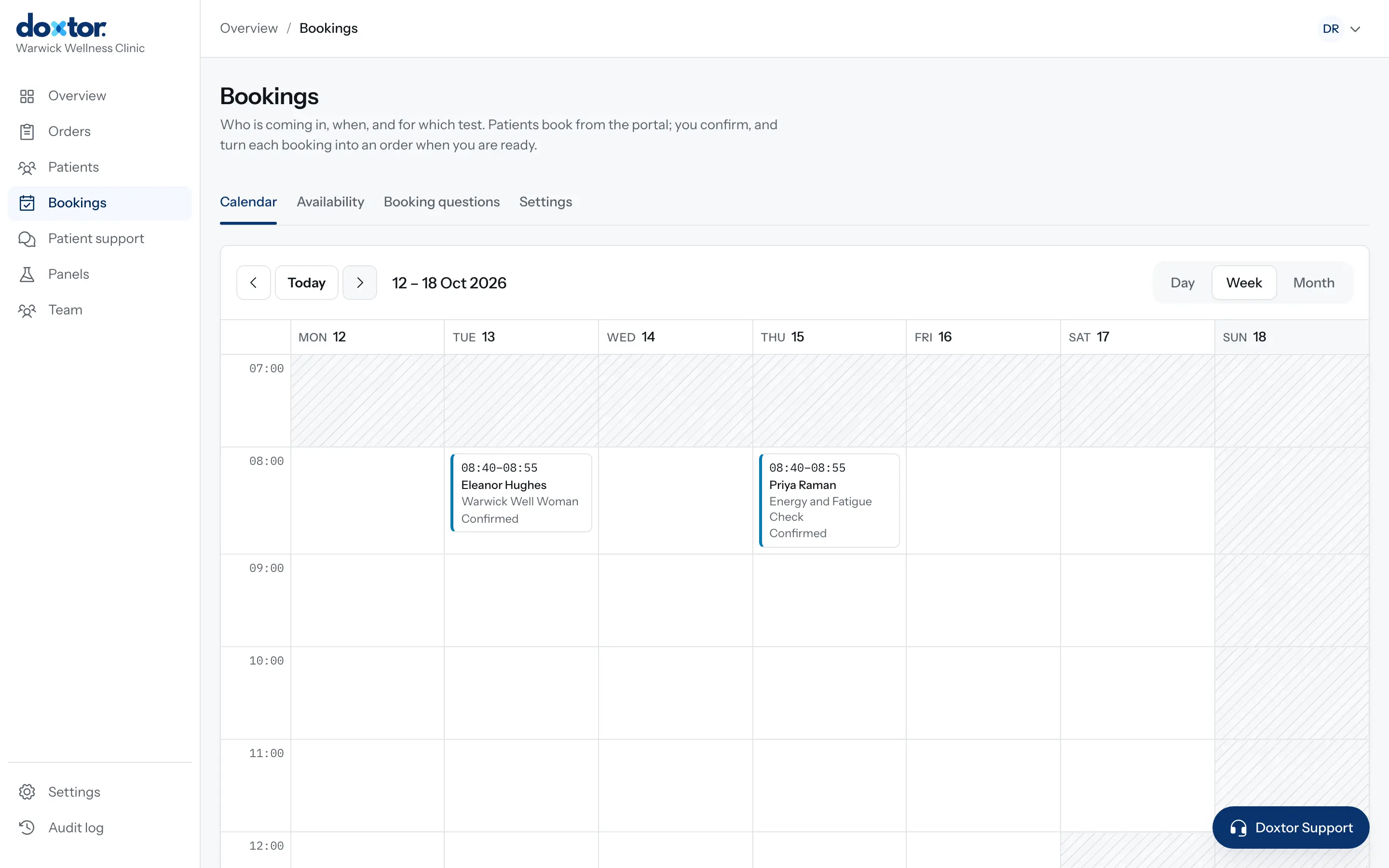
Setting up bookings for your patients
Let patients request appointments from the patient portal: set your opening hours and capacity, add your own questions, then confirm requests and turn them into orders.
1 min read
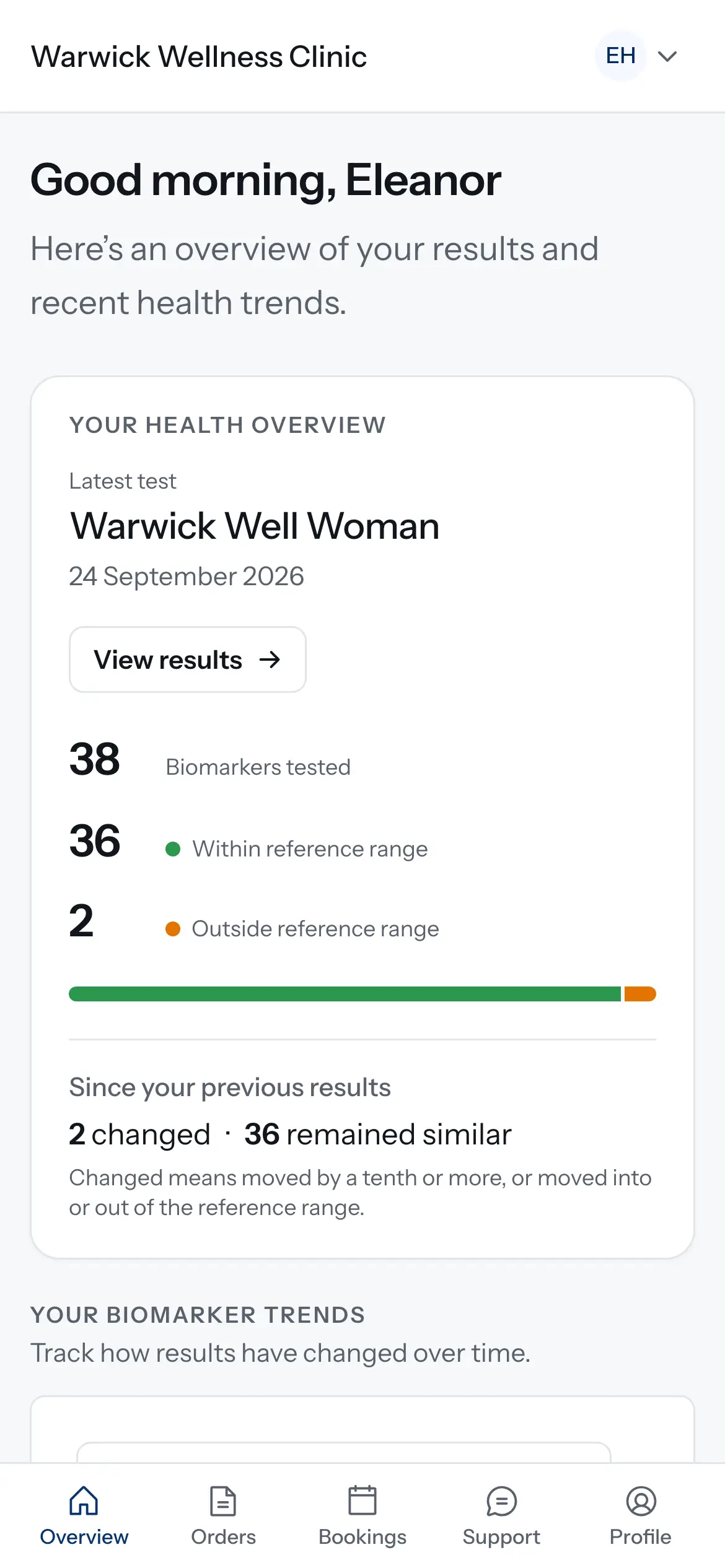
Giving patients access to the patient portal
Invite a patient, or a parent or carer, to your clinic's patient portal, decide whether they can book tests, and take access away when it should end.
1 min read