Guide · Patient management
Giving patients access to the patient portal
Invite a patient, or a parent or carer, to your clinic's patient portal, decide whether they can book tests, and take access away when it should end.
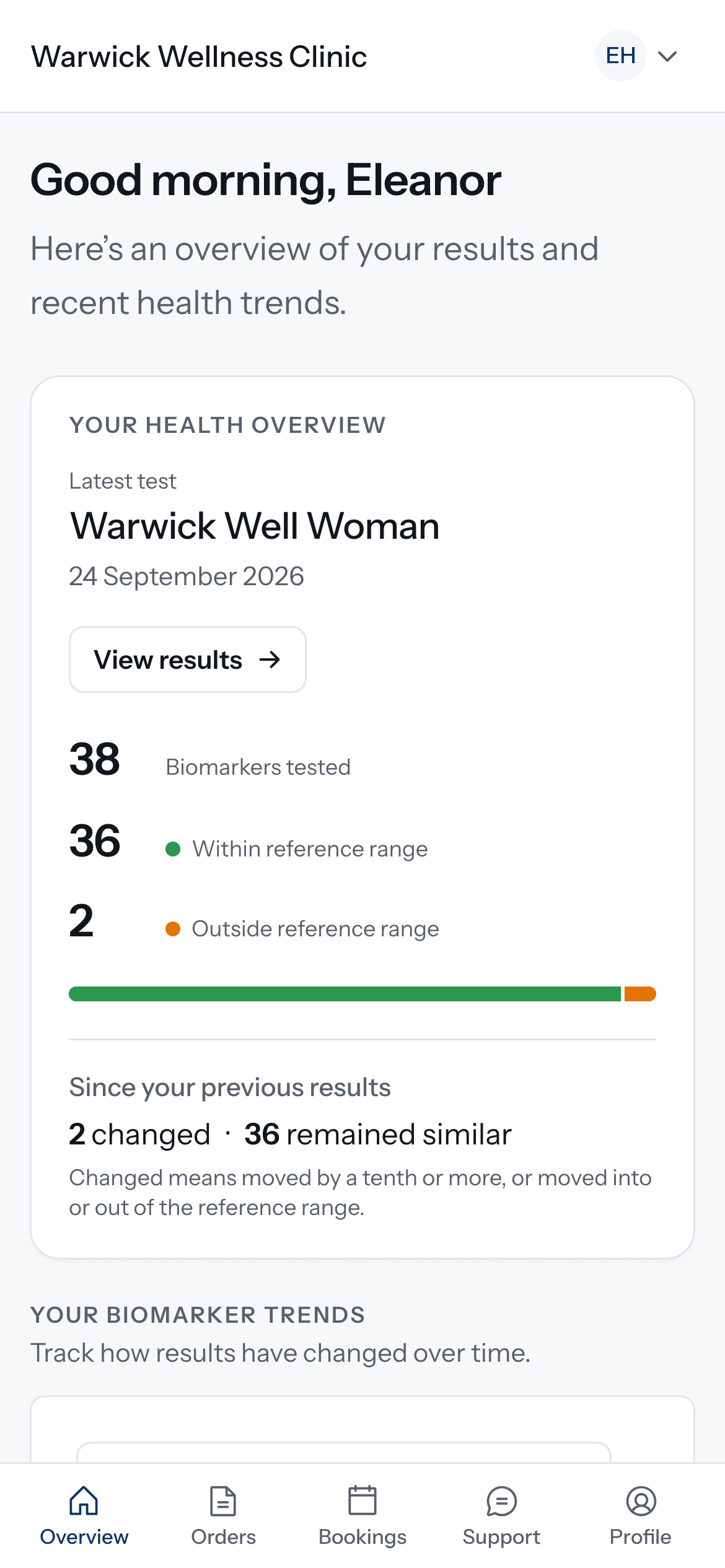
The patient portal is part of Doxtor Pro. It is where patients see their results over time, download reports, book tests and write to your clinic. Patients do not need it to receive results: every patient can open their results from a secure link. The portal is for patients your clinic invites.
Invite someone
Open the patient’s record and find Portal access. Give access by email, and choose whether the person can also book tests for the patient. The patient is added either way.
The person receives an email invitation. They accept it and then sign in with a code sent to their email. There is no password to remember.
Parents, guardians and carers
Access can be given to someone other than the patient, such as a parent of a child, or a carer. They see the patient they were given access to, alongside their own record if they have one. Every time someone opens a patient’s dashboard or results in the portal, it is recorded.
What patients see
- Their latest results, and how each biomarker has changed over time.
- Every released report, ready to download.
- Bookings, if your clinic offers them and they were allowed to book.
- A way to write to your clinic.
Taking access away
From the same place on the patient’s record, revoke access. It ends straight away.
See also: setting up bookings.
Related resources
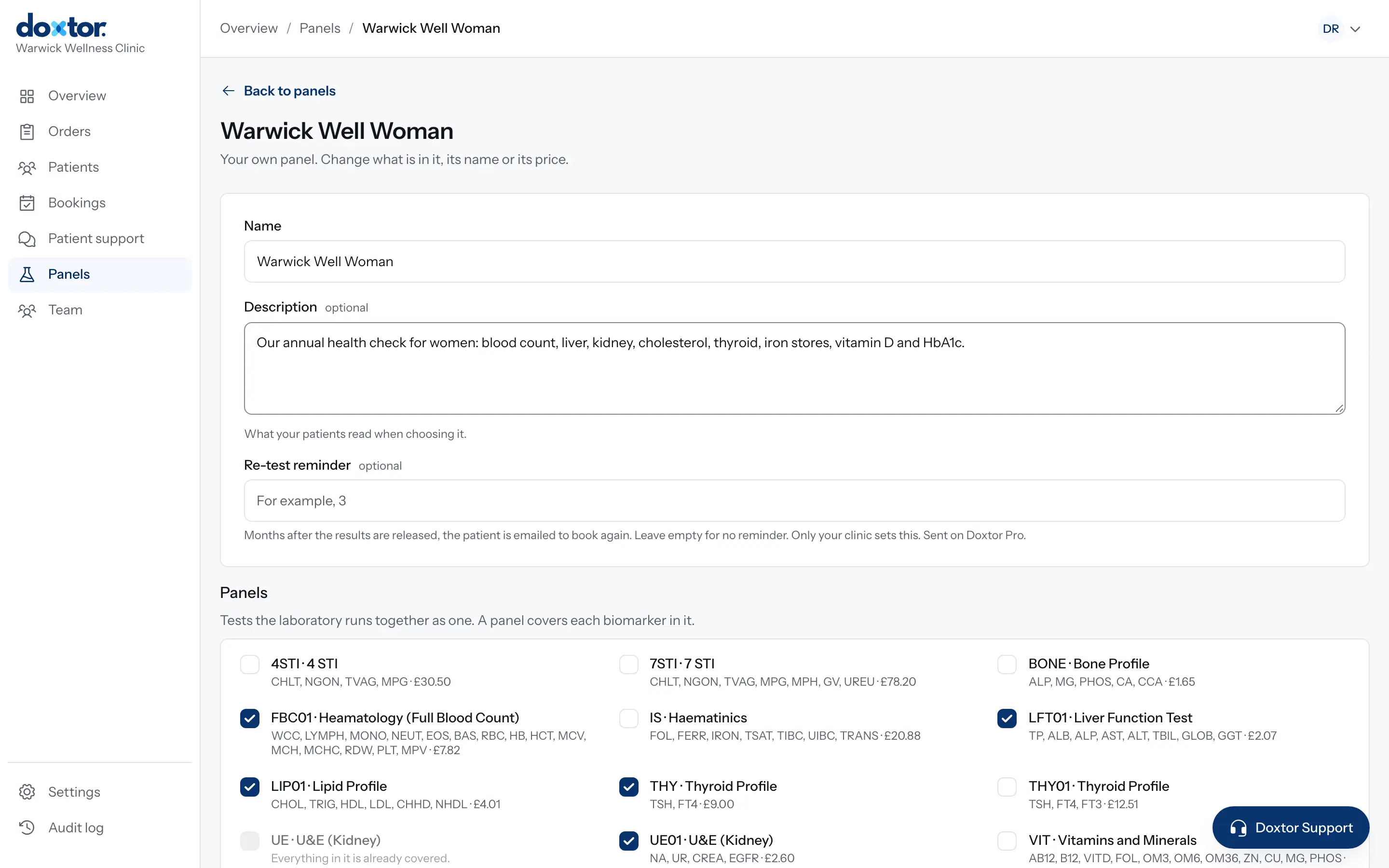
Building your own panels
Put the tests your clinic offers together once, as named panels with a description for patients, and order them in one click from then on.
1 min read
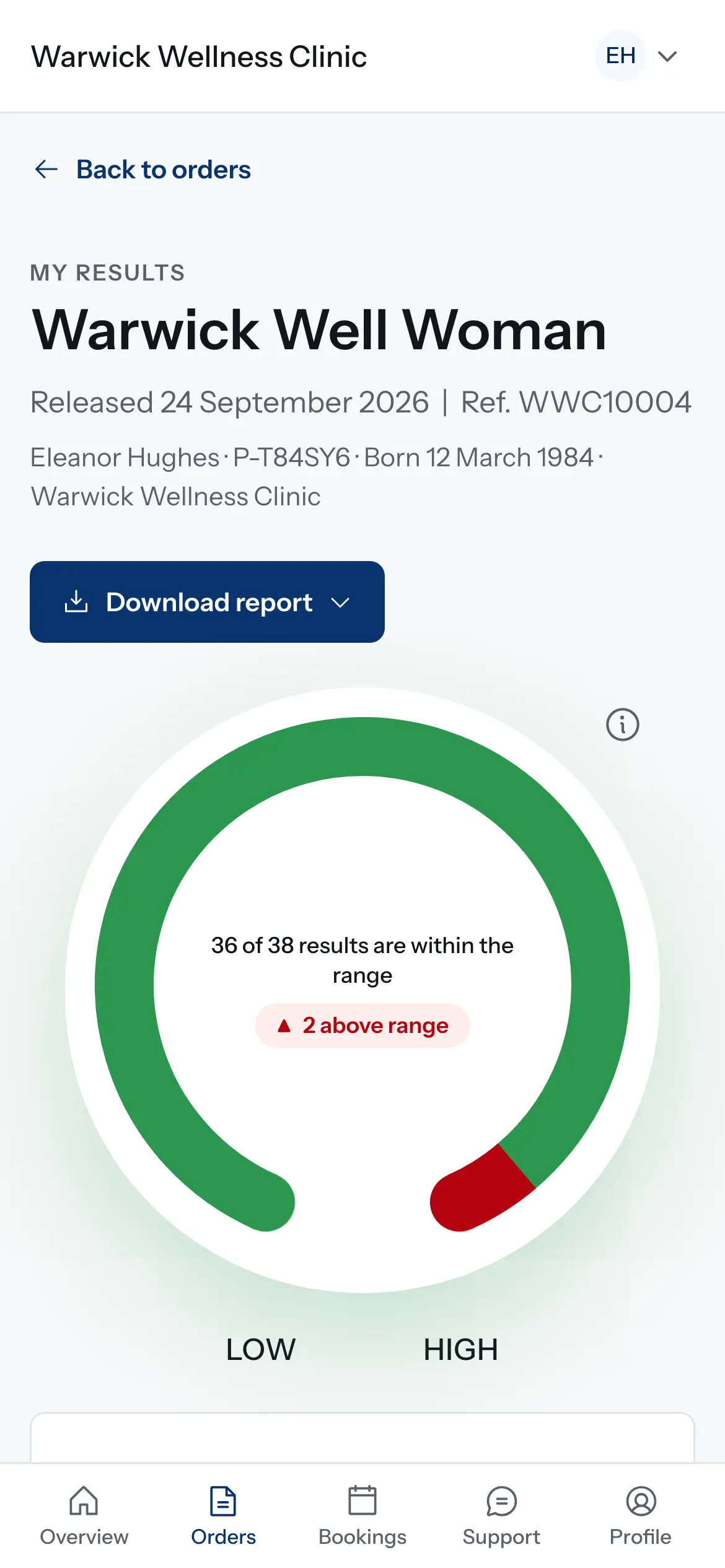
How results reach your patients
What happens when the laboratory reports: results on the order, the patient told, a secure link or the patient portal, and what changes for critical results and corrections.
1 min read
Inviting your team and choosing their roles
Give everyone at your clinic their own sign-in, and a role that decides what they can see and do, from booking patients to reading results.
1 min read