Article · Healthcare technology
Why Doxtor never shows a result by colour alone
Red and green are not enough to tell a patient their result is outside the range. How Doxtor makes every result readable, including for people with colour vision deficiency.
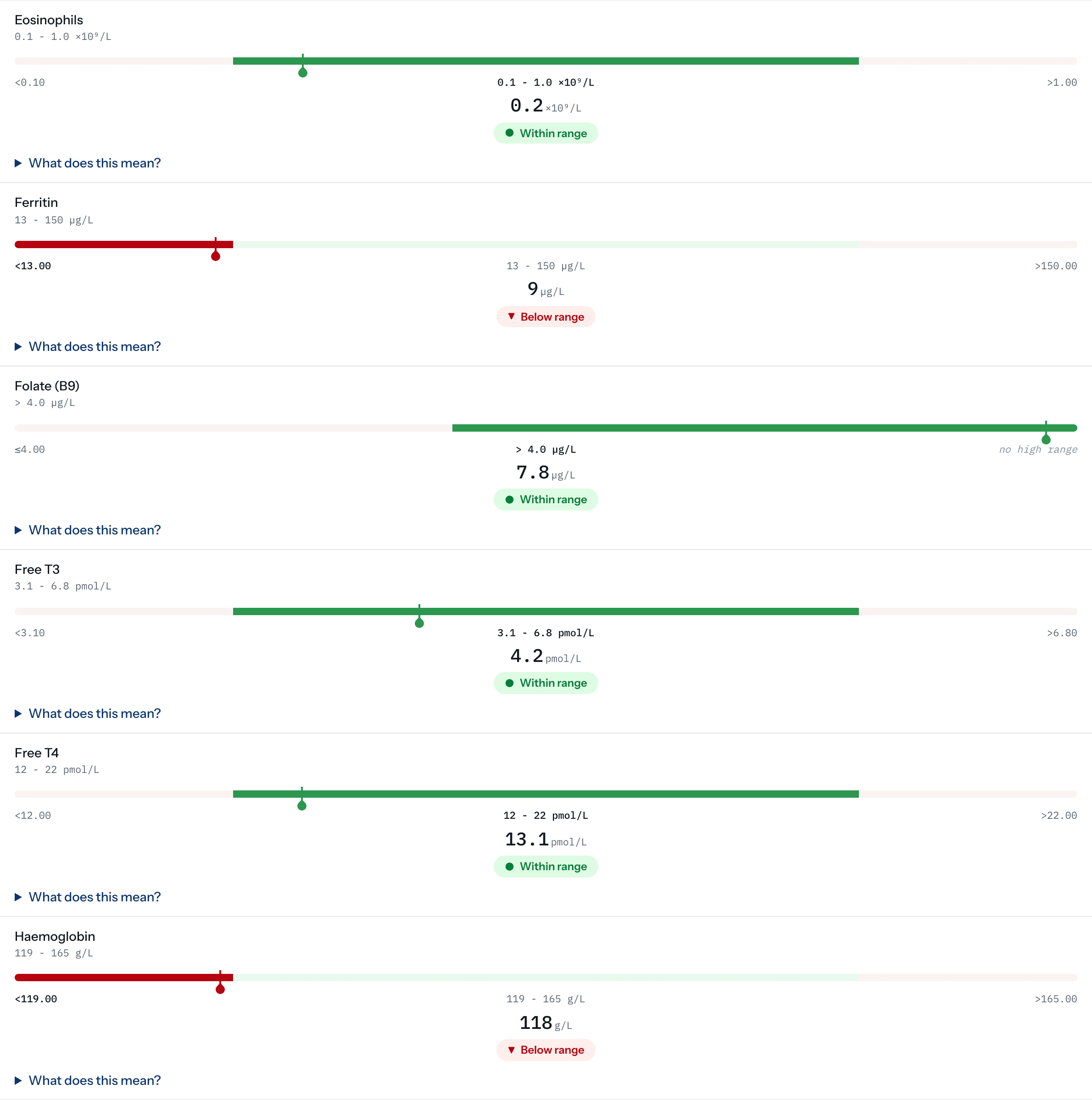
Many results screens rely on colour: green for within the range, red or amber for outside it. It looks clear, and for a lot of people it is not.
The problem with colour alone
Colour vision deficiency is common, and more common in men than in women. For many people with it, a green result and an amber one can look the same. On a blood test report, that means a patient may not be able to tell a result within the range from one outside it.
Colour also disappears when a report is printed in black and white, viewed on a poor screen, or read aloud by a screen reader.
How Doxtor shows a result
In Doxtor, the state of a result is always carried by more than colour:
- A label in words. “Within range”, “Below range”, “Above range”.
- A marker and a symbol. Results outside the range carry a symbol as well as a colour.
- Position on the range. Each result is drawn on its reference range, so where it sits can be seen without reading the colour at all.
- A result the laboratory could not perform is shown as not performed, rather than left blank. A reader who sees nothing assumes all is well.
Colour is there to reinforce these, not to replace them.
Clinical colours do not follow a clinic’s brand
On Doxtor Pro, clinics put their own logo and colour on the portal, reports and emails. The colours that show a result’s state are not part of that. A clinic whose brand is green cannot turn “outside the range” green, so a result outside the range looks the same in every clinic’s portal.
Calm, not alarming
The wording follows the same principle. Results are “within the range” or “outside the range”, not “normal” or “abnormal”, and nothing is diagnosed. A patient with a result outside the range is told so plainly, and pointed to their clinic. See reading a blood test report.
Related resources
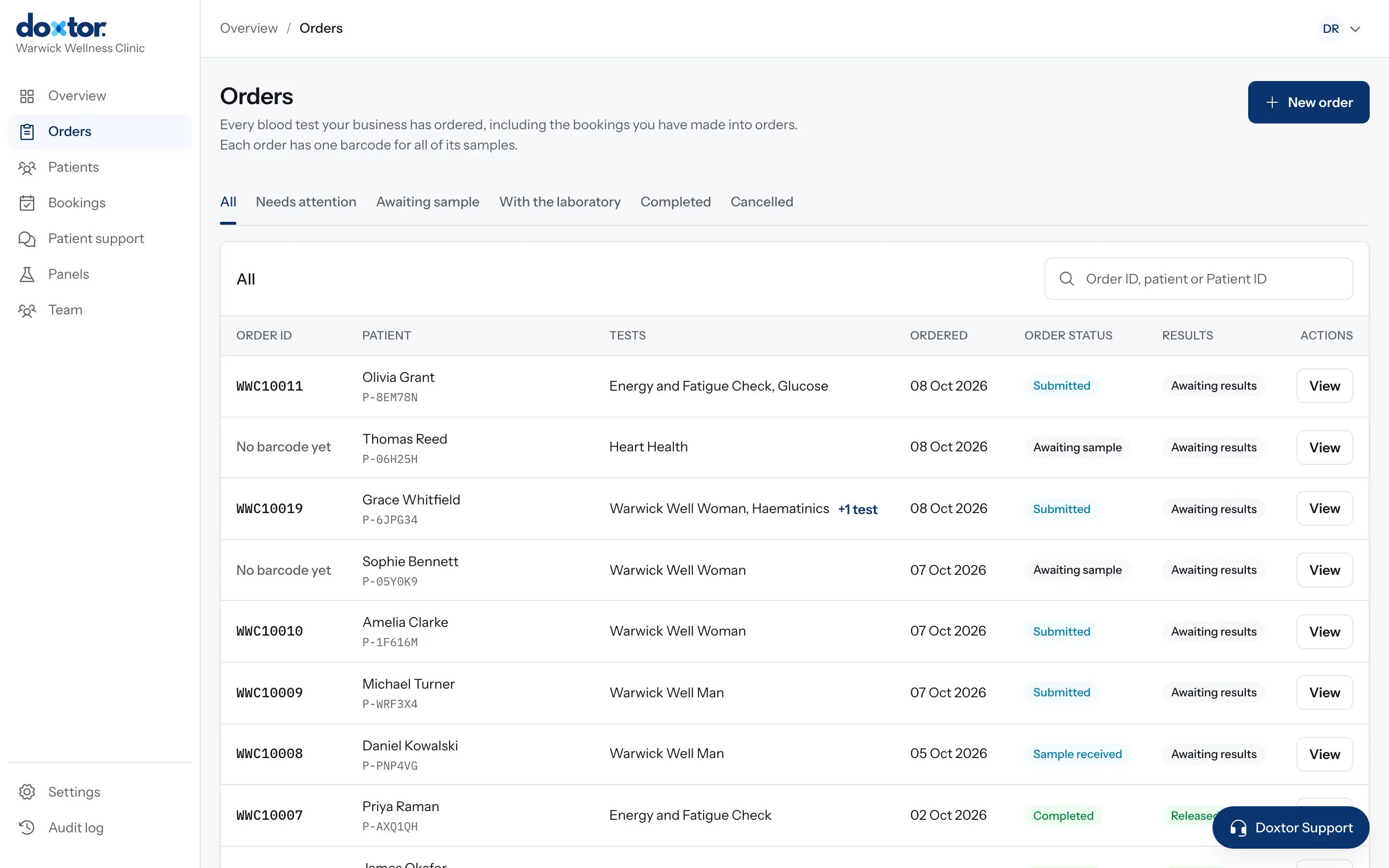
Introducing Doxtor: blood testing in one connected workflow
Why Doxtor exists, what it does for clinics today, and how one order moves from the tests a patient needs to the report they read.
1 min read
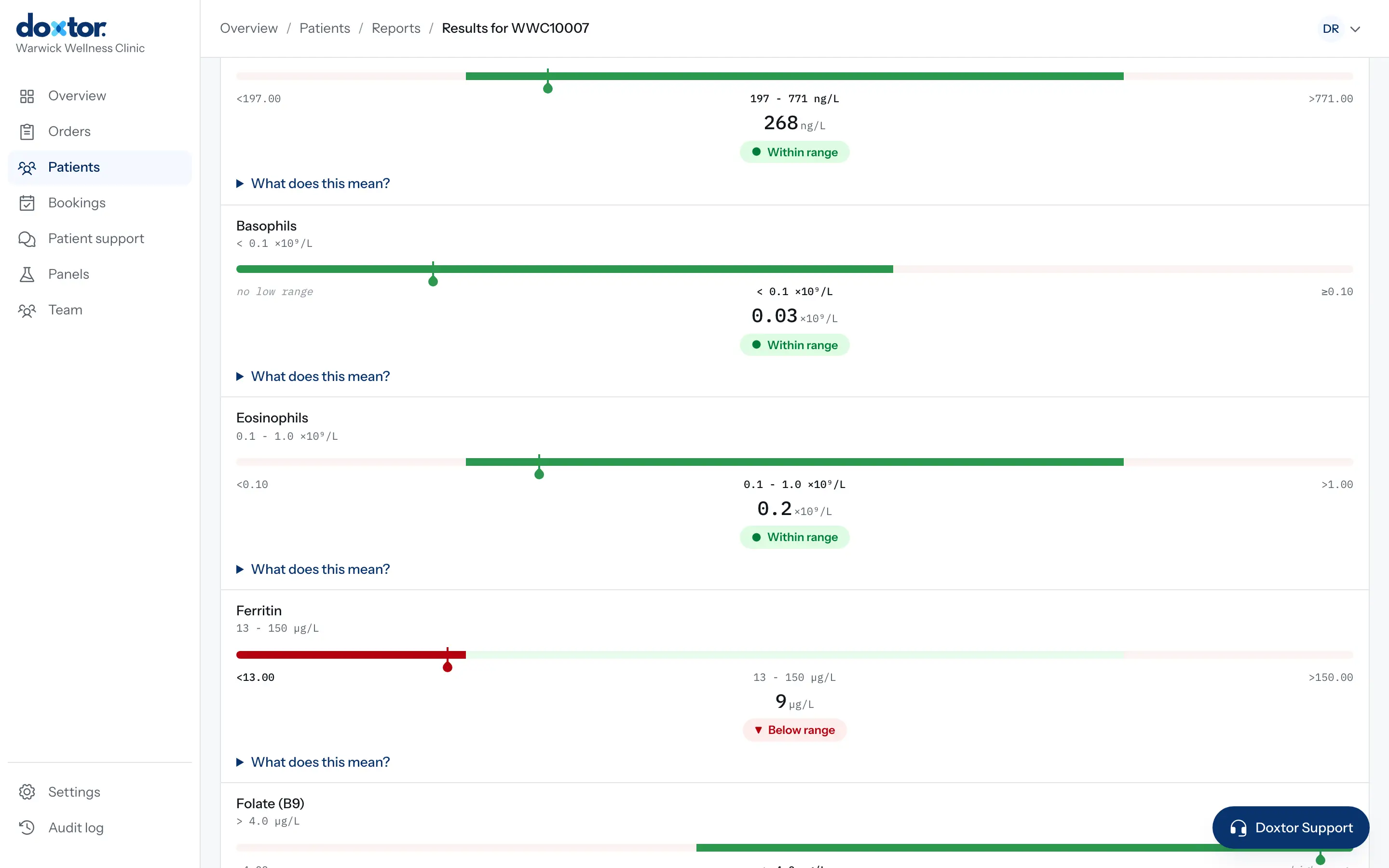
Why results are released exactly as the laboratory sent them
Doxtor releases each report as the laboratory reported it, critical results included. Why, and how clinics are made aware of what needs their attention.
1 min read