Article · Doxtor updates
Introducing Doxtor: blood testing in one connected workflow
Why Doxtor exists, what it does for clinics today, and how one order moves from the tests a patient needs to the report they read.
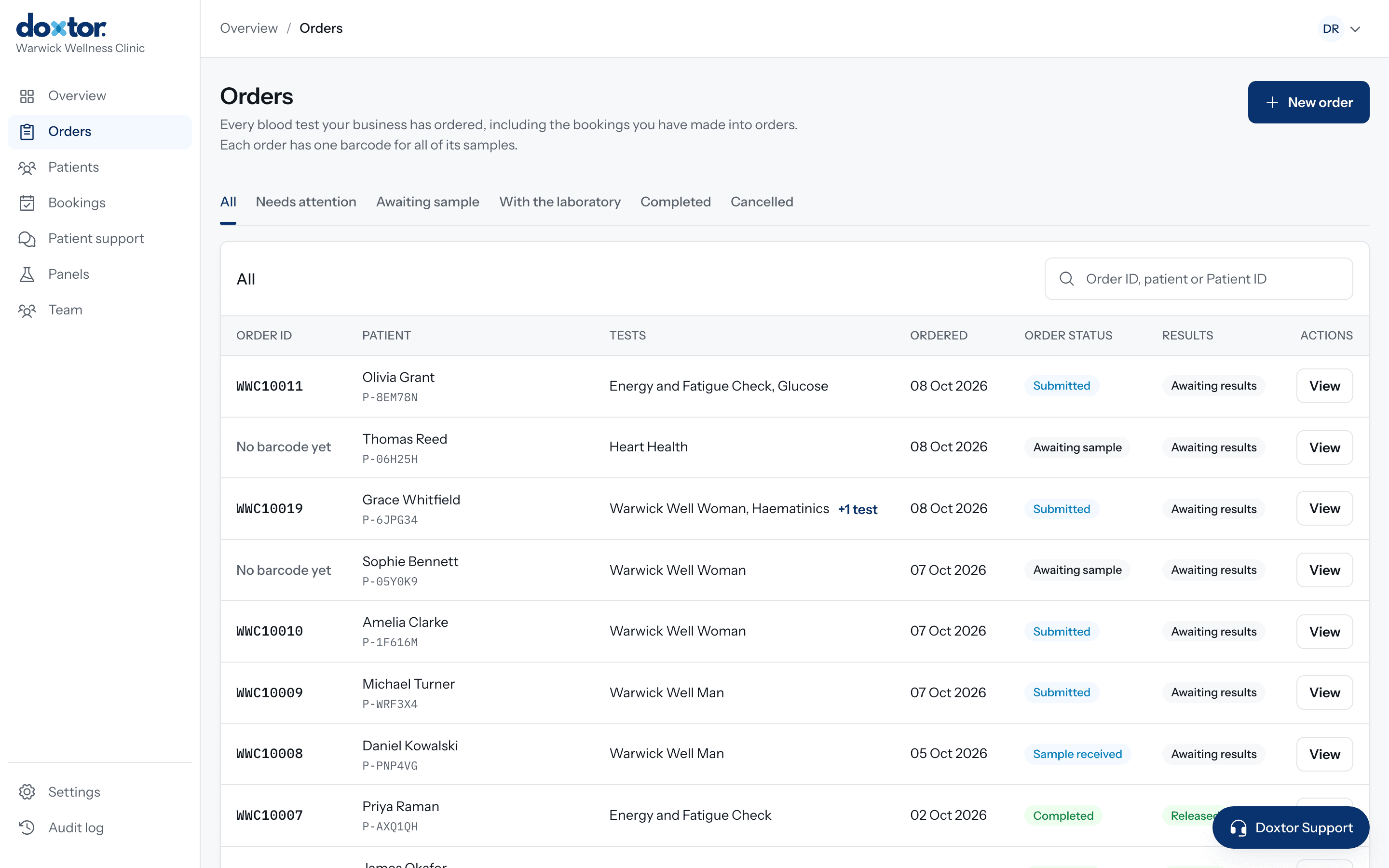
Arranging a blood test involves more small decisions than it first appears. Which panel covers what the patient asked for. Which tubes those tests need, and how many. Whether every tube carries the right label. Whether the laboratory has the samples yet. Which results are back, and how the patient will get a report they can read.
Doxtor brings those decisions into one place, for the clinic team and for their patients.
One order, followed all the way
In Doxtor, an order is one request for tests for one patient, and it is followed from start to finish:
- Test selection. The clinic chooses its own panels, the laboratory’s panels or single biomarkers. Anything already covered by another choice is removed.
- Sample preparation. Doxtor shows what to collect: each tube or container, how many, and which tests it is for.
- Barcode. The order’s own barcode goes on every sample.
- Laboratory. The order reaches the partner laboratory electronically, and the order page shows where the samples are.
- Results. Results arrive on the order with units and reference ranges.
- Patient. The patient opens their results from a secure link, or in the clinic’s patient portal on Doxtor Pro.
How Doxtor works shows each step on the real screens.
Built for the people who use it
For the clinic team, Doxtor is a console: orders, patients, panels, results and the team’s own roles and sign-ins. For patients, it is a report they can read and, on Doxtor Pro, a portal in their clinic’s own branding, with results over time and bookings.
Doxtor is software. It does not diagnose, and the results it shows come from the laboratory.
What’s next
This Resources section will grow with guides, clinical resources and answers to the questions clinics ask most. If your clinic would like to use Doxtor, get in touch.
Related resources
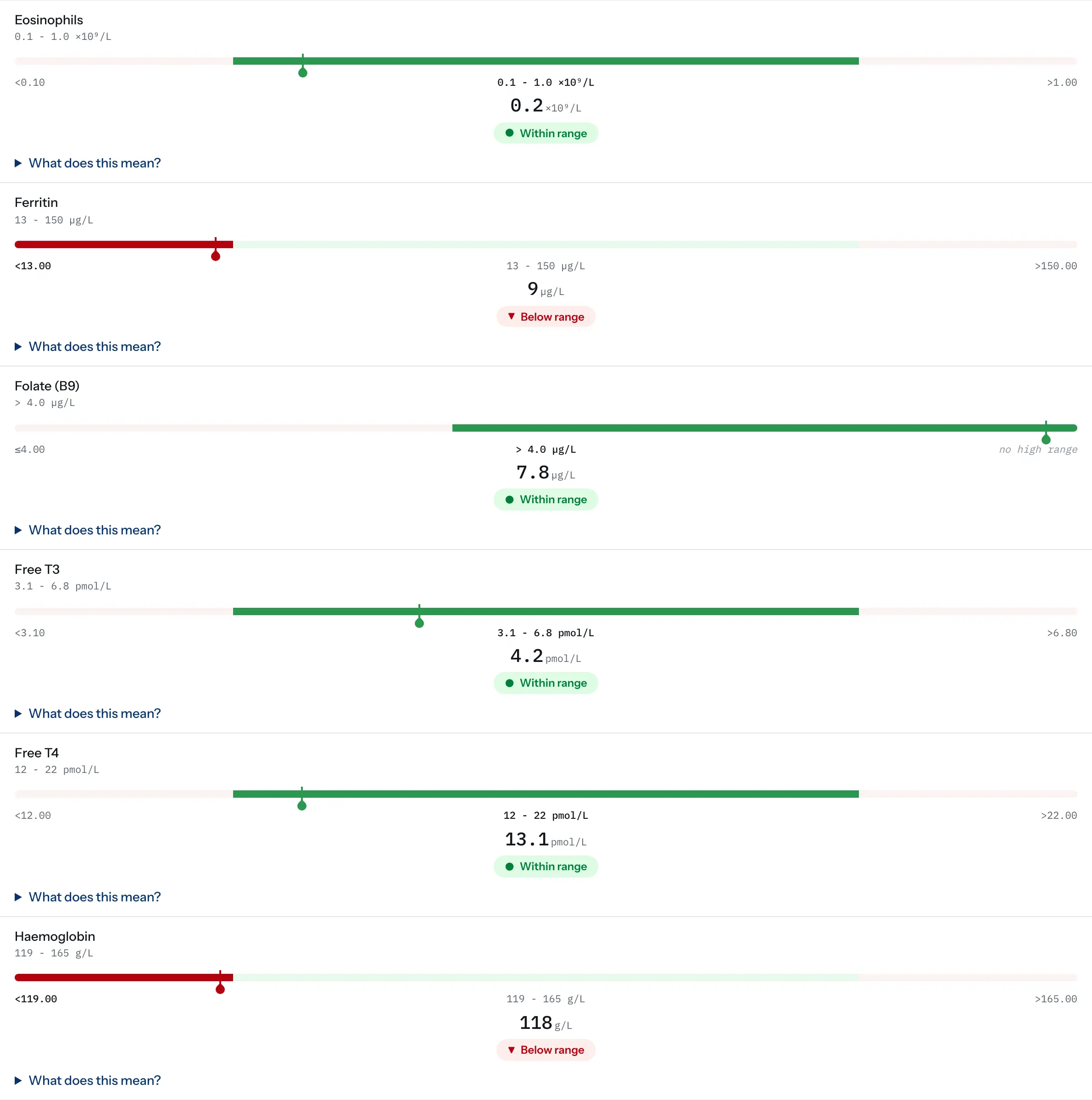
Why Doxtor never shows a result by colour alone
Red and green are not enough to tell a patient their result is outside the range. How Doxtor makes every result readable, including for people with colour vision deficiency.
2 min read
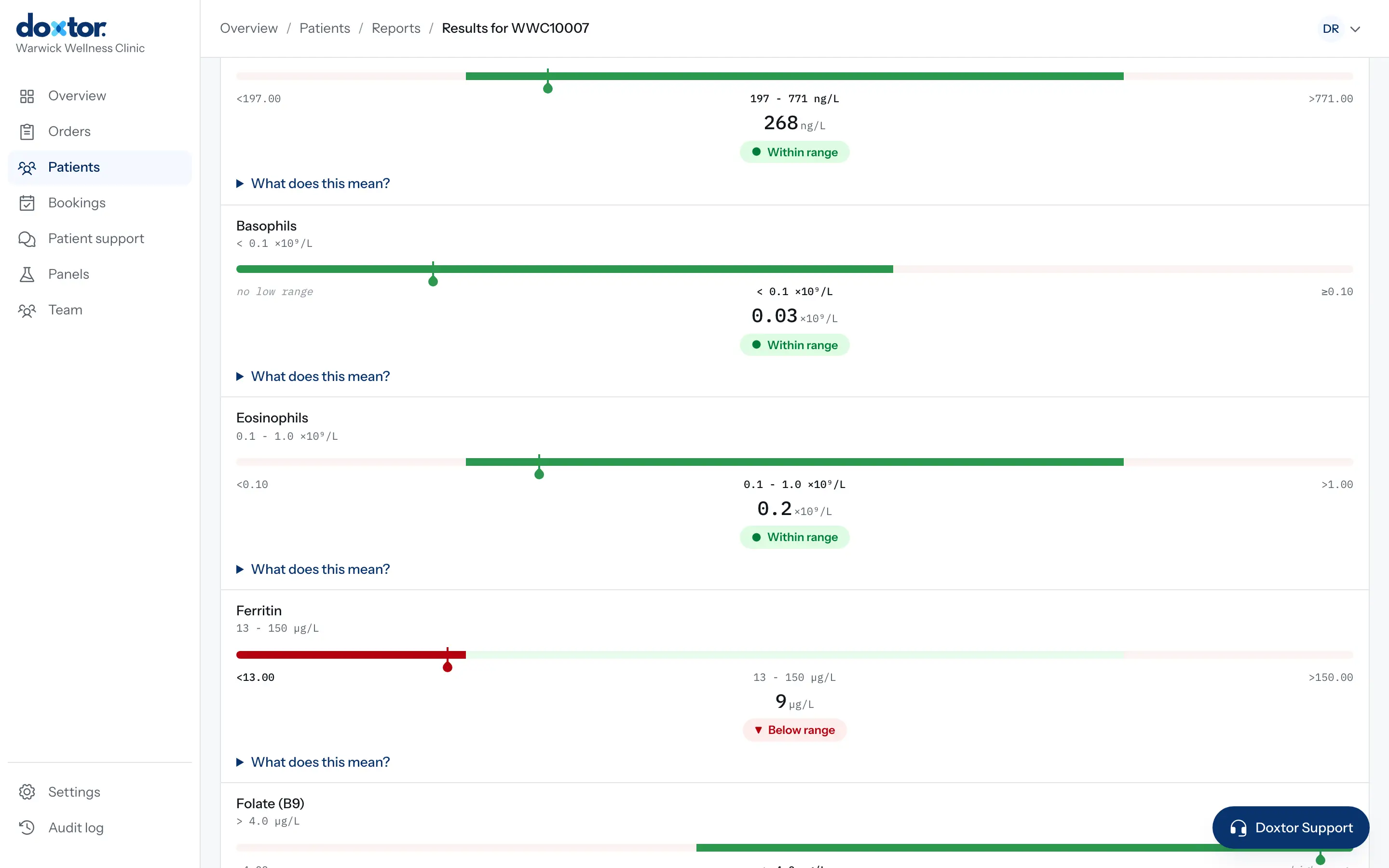
Why results are released exactly as the laboratory sent them
Doxtor releases each report as the laboratory reported it, critical results included. Why, and how clinics are made aware of what needs their attention.
1 min read